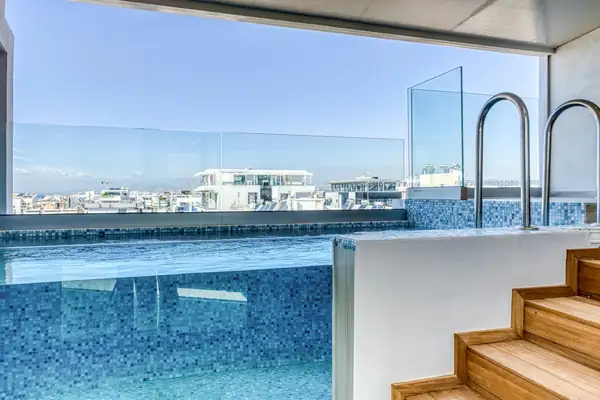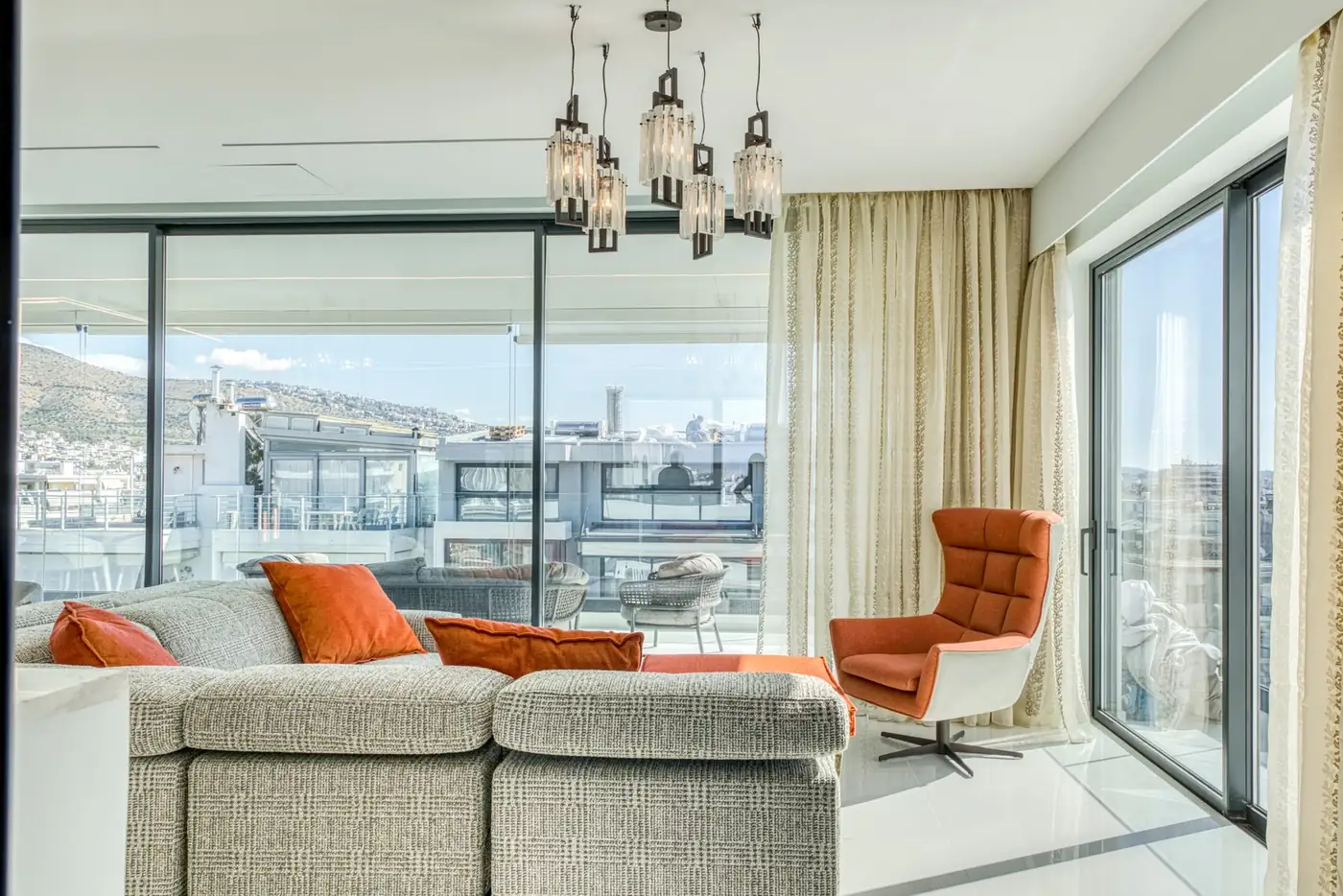
A 30 to 60 second property video needs to show three things: the first impression of the space, how the rooms connect and what makes this property different. It does not need to show every corner. That job is done by the photos and the floor plan.
Video adds something a photo cannot: the sense of moving through the home. The viewer sees how far the kitchen is from the living room, how the light falls, what they see when they step out onto the balcony. To achieve this in a few seconds, you need a plan before filming.
What to show and in what order
A short property video tour works best when it follows a simple route, as if the viewer were walking in for the first time:
- Opening: the strongest shot, for example the view, a bright living room or the facade. The first few seconds decide whether the viewer keeps watching.
- Entrance: the door and the first thing someone sees as soon as they walk in.
- Main spaces: living room, dining area and kitchen, in one continuous movement that shows how they connect.
- Bedrooms and bathrooms: short shots, one or two for each room.
- Outdoor spaces: balcony, terrace, garden, view.
- Closing: the area, key details such as square metres and bedrooms, and how people can get in touch with you.
Camera movement should be slow and steady, with one movement per shot: a slow push-in, a sideways pass, a turn that reveals the space. Fast spins and sudden zooms are tiring and show nothing clearly. The rules of photography apply here too: straight verticals, natural light, a tidy space, and a filming time planned around the orientation of the property.
Each shot lasts a few seconds, as long as the viewer needs to understand what they are looking at. The mistakes that make a property video tiring are usually the same:
- Too long, with every room shown from three angles.
- Shaky camera and abrupt movements.
- Dark rooms, because the shutters were not opened or the lights were not switched on.
- Text that covers the space or disappears before you have time to read it.
- Shots in no particular order, which leave the viewer unsure where they are.
Vertical or horizontal video
Vertical video (9:16) fills the phone screen and is the natural format for Reels and Stories, the short vertical videos on Instagram and Facebook, and for TikTok. Horizontal video (16:9) suits a website, YouTube, a presentation to the owner and anyone watching on a computer or TV.
In most cases you need both. This is decided before filming, because a horizontal shot does not always make a good vertical one with a simple crop. A narrow bathroom or a tall staircase looks better in a vertical frame, while a large living room with a wall of glass needs a horizontal one. For the exact dimensions and the areas of the screen where text should not go, check each platform's current specifications.
Music, subtitles and on-screen text
Many people watch video on their phones without sound. That is why the key information should also appear as text: area, square metres, bedrooms, one or two standout features. The text should be short, easy to read on a small screen and should not cover the main part of the image. If there is a voiceover, add subtitles.
Music gives rhythm, but you must have the right to use it. A song you like cannot automatically go into an ad. Use licensed music or the platforms' sound libraries, and check what is allowed for business accounts.
Be careful with claims, too. Phrases such as “the best view in the city” or “two minutes from the sea” must stand up to checking. Whatever you write in the video is part of the listing.
Where you will use it: listings, Reels, ads
- In the listing: on the platforms that accept video or a link, and on the property's page on your website.
- In property Reels: on the profile of the estate agency or the accommodation, with a strong opening and a vertical frame.
- In ads: on Meta Ads, with short versions and a clear next step, such as an enquiry form or a landing page, meaning a page built for that specific property.
- In presentations: to the owner, to partners or in emails to interested parties.
For ads, it is worth having two or three versions with a different opening shot, so you can see which one holds viewers longer. Keep the edit files in high resolution too, so you can make new versions without a new shoot, for example a shorter cut for Stories. In Akinita Media social campaigns, we connect the footage with social creatives, a property landing page and an enquiry management flow, and we check the information and claims about the property before they are published.
For property videos, we set the camera route, the key shots, the length and the format in advance. We prepare each space together with your team, so that it is captured without misleading alterations, and we deliver a final edit with vertical versions for social media. According to the akinitamedia.gr price list, video with social Reels has an indicative starting price of €149 + VAT.
Frequently asked questions
How long should a property video be?+
For social media and ads, a property video of 30 to 60 seconds is usually enough to show the entrance, the main spaces and whatever stands out. A longer tour has its place on a website or in a presentation, where the viewer is already interested. The length is decided before filming, together with the format.
How does a property video tour differ from a 360° virtual tour?+
A property video tour is an edit that follows a route you choose: the viewer sees what you show them, in the order you want. In a 360° virtual tour, viewers move around the space on their own and look in any direction they like. Video suits social media and ads, while 360° helps anyone who wants to examine the property in detail before visiting it.
Do property Reels need music?+
Music is not compulsory in property Reels, but it gives the edit rhythm. Because many people watch without sound, the key information should also be on screen as text. If you add music, use a licensed track or one from the platform's library, and check the terms for business accounts.